Cursor vs GitHub Copilot: Which AI Coding Tool Should You Use?
Cursor and Copilot both speed up coding, but they shine in different workflows. Here’s a practical way to choose based on how you build.
If you’re choosing between Cursor and GitHub Copilot, you’re really choosing between two workflows:
- Copilot: autocomplete + inline suggestions inside your existing editor
- Cursor: an AI-first editor where “chat + apply changes across files” is the default
Both can be worth it. The best choice depends on what you actually do day-to-day.
Choose Cursor if you want repo-aware multi-file edits and a plan→patch→validate loop for real features and refactors.
Choose Copilot if you want top-tier inline completion inside your existing editor with minimal workflow change.
The official product pages reinforce the core workflow split in this comparison: Copilot is an AI layer inside the GitHub ecosystem, while Cursor sells an AI-first editor experience.
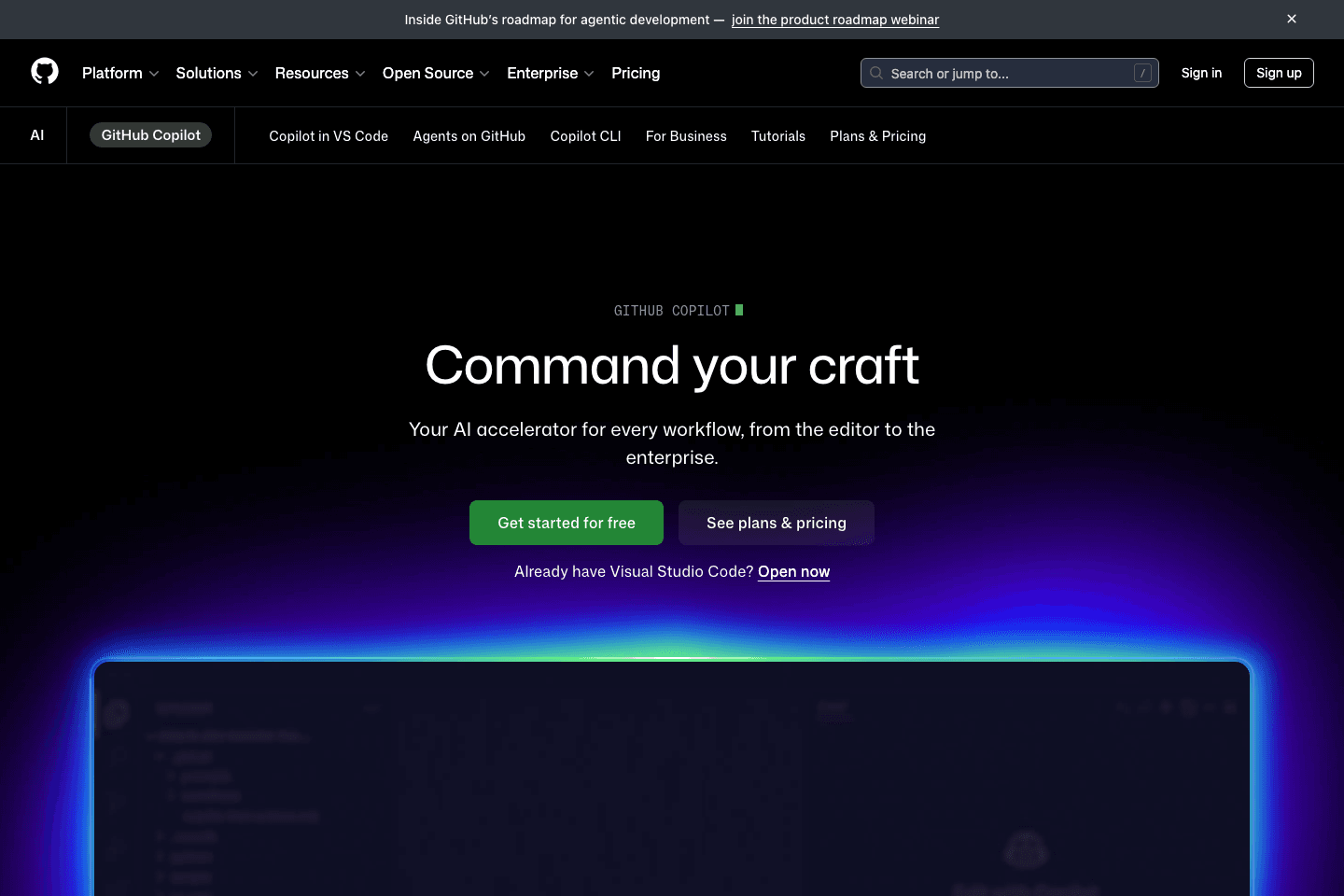
Copilot frames itself as an AI pair programmer that fits into your existing editor and GitHub workflow.
View official site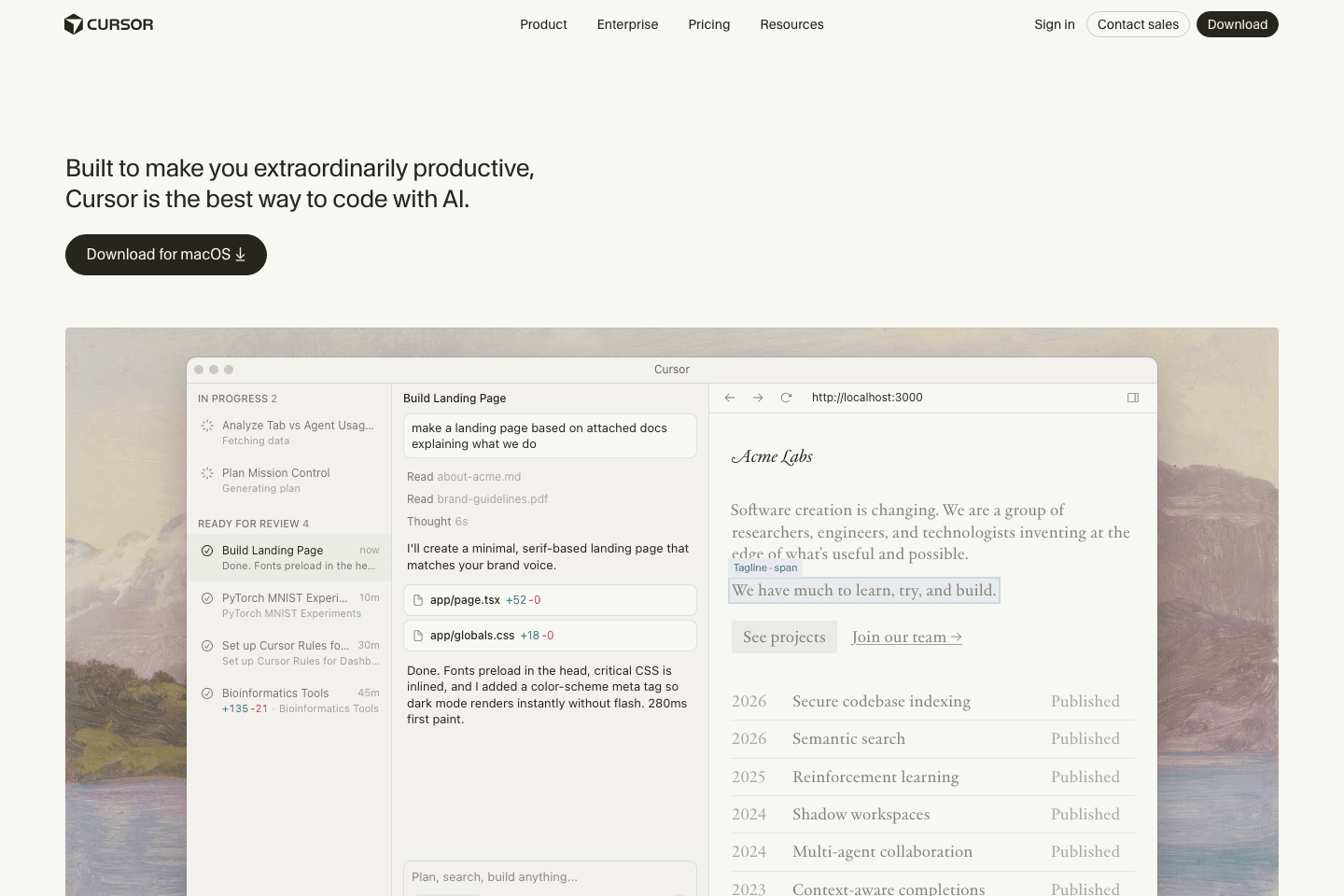
Cursor highlights an editor-first, repo-aware workflow built around larger changes and patch application.
View official siteTop picks
Great inline suggestions when you already know what you want to write and just want faster typing.
Shines when you’re iterating with chat + patches across a repo (refactors, features, cleanup).
Quick comparison
| Category | Copilot | Cursor |
|---|---|---|
| Best for | Inline autocomplete | Repo-aware multi-file edits |
| Workflow | Type faster | Plan → patch → validate |
| Risk | Low (small diffs) | Medium (bigger changes possible) |
| Ideal user | Senior devs polishing output | Builders shipping features fast |
The fastest way to decide
Pick the statement that sounds most like you:
Choose Copilot if…
- You want better autocomplete and quick inline code generation
- You already love your current editor setup
- You don’t want a new workflow — just faster typing
Choose Cursor if…
- You do a lot of multi-file changes (refactors, adding features, cleaning up)
- You want the AI to apply diffs and manage context across the repo
- You’re “vibe coding” — building by iterating with chat + patches
What each tool is best at
Copilot strengths
- Predictable inline completion
- Great when you already know what to write
- Strong for common patterns in popular languages
Cursor strengths
- Better for project-level context
- Better at “make these changes across these files”
- Better when you want a plan + patch loop
A simple workflow that makes either tool work
No matter what you pick, use this pattern:
- Ask for a plan (bullets)
- Implement one step at a time
- Run lint/tests/build after each meaningful step
- Review for: edge cases, security, and “did it change unrelated files?”
This is what turns speed into reliability.
The hidden cost: debugging
AI code is only cheap if it’s easy to debug.
If your tool encourages large, sweeping edits without guardrails, you’ll feel fast for an hour and then spend a day untangling it.
When in doubt: smaller diffs, more validation.
Recommended picks
If you’re setting up for a lot of AI coding, your desk setup matters more than people admit.
See top-rated options on Amazon for “portable monitor for laptop”Get the VibeCode playbook
Weekly tactics for shipping with AI.
Subscribe via emailNo spam. Unsubscribe anytime.
Related
- AI coding tools • 2026-03-18Windsurf vs Zed: Which AI Code Editor Is Better for You?
Windsurf and Zed both appeal to developers who care about speed, but they solve different workflow problems. Here’s how to choose.
- AI coding tools • 2026-03-18Windsurf vs VS Code: Which Editor Fits Your Workflow?
Windsurf offers an AI-first editor experience, while VS Code gives you a flexible baseline with a huge extension ecosystem. Here’s how to choose.
- AI coding tools • 2026-03-16Cursor vs Windsurf: Which AI Code Editor Fits Your Workflow?
Cursor and Windsurf are two of the most talked-about AI code editors. Here’s how to choose the right one for your workflow.