Cursor vs Windsurf: Which AI Code Editor Fits Your Workflow?
Cursor and Windsurf are two of the most talked-about AI code editors. Here’s how to choose the right one for your workflow.
Cursor vs Windsurf: Which AI Code Editor Fits Your Workflow?
Cursor feels like the safer default if your workflow depends on multi-file edits, codebase context, and predictable AI-assisted refactors.
Windsurf is compelling if you want a modern AI editor that feels quick, streamlined, and easy to jump into.
Cursor and Windsurf are both AI-first coding environments, but they are not identical. Both tools help with code generation, editing, and iteration, yet they tend to appeal to slightly different styles of development.
If your priority is stable, codebase-aware editing across real projects, Cursor usually has the edge. If your priority is speed, responsiveness, and staying in flow while shipping, Windsurf can be a very attractive alternative.
Top picks
Strong fit for developers doing regular multi-file changes, repo-wide navigation, and iterative AI-assisted implementation.
Good choice if you want a polished AI coding editor that feels fast and modern without a lot of setup friction.
What the interfaces look like
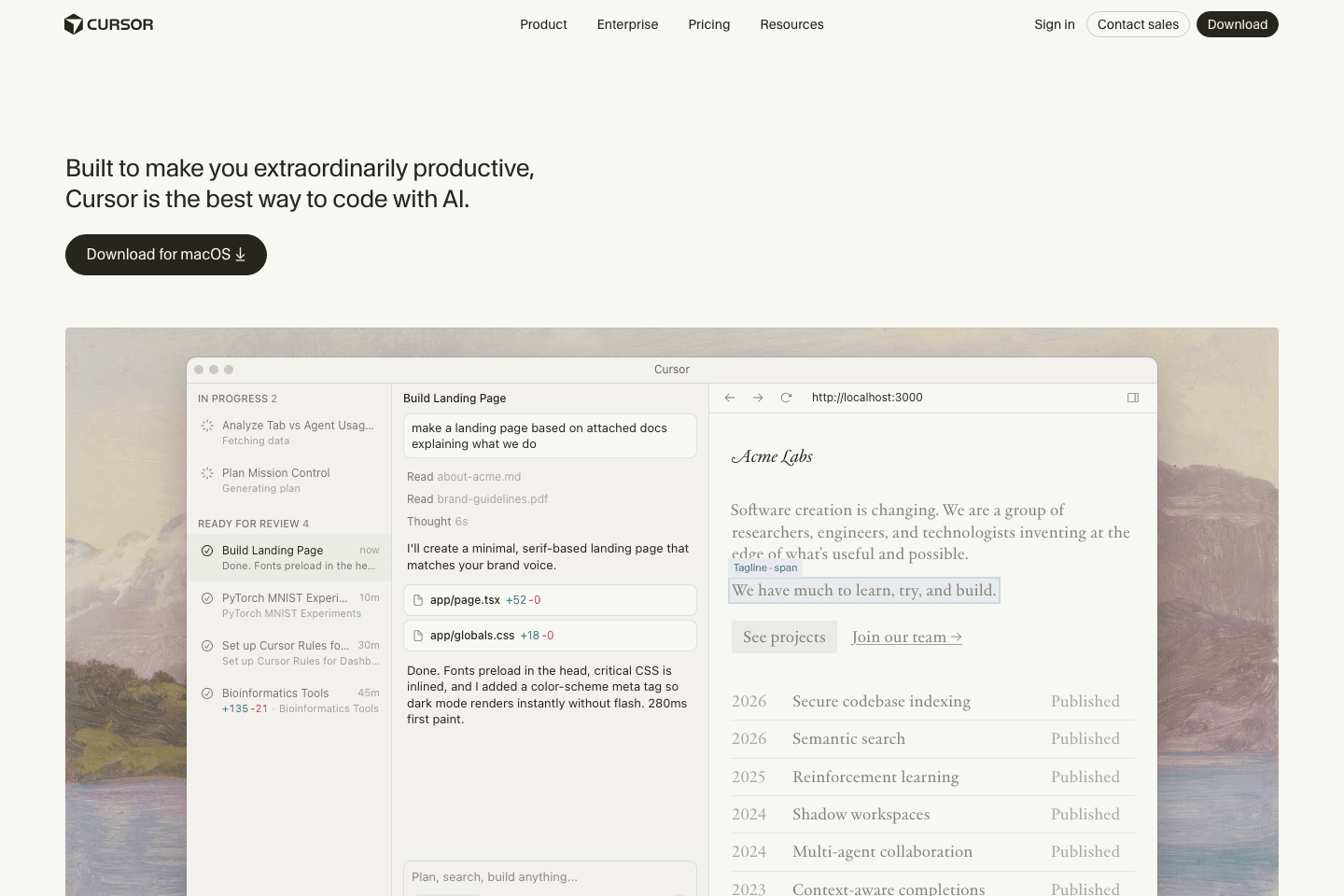
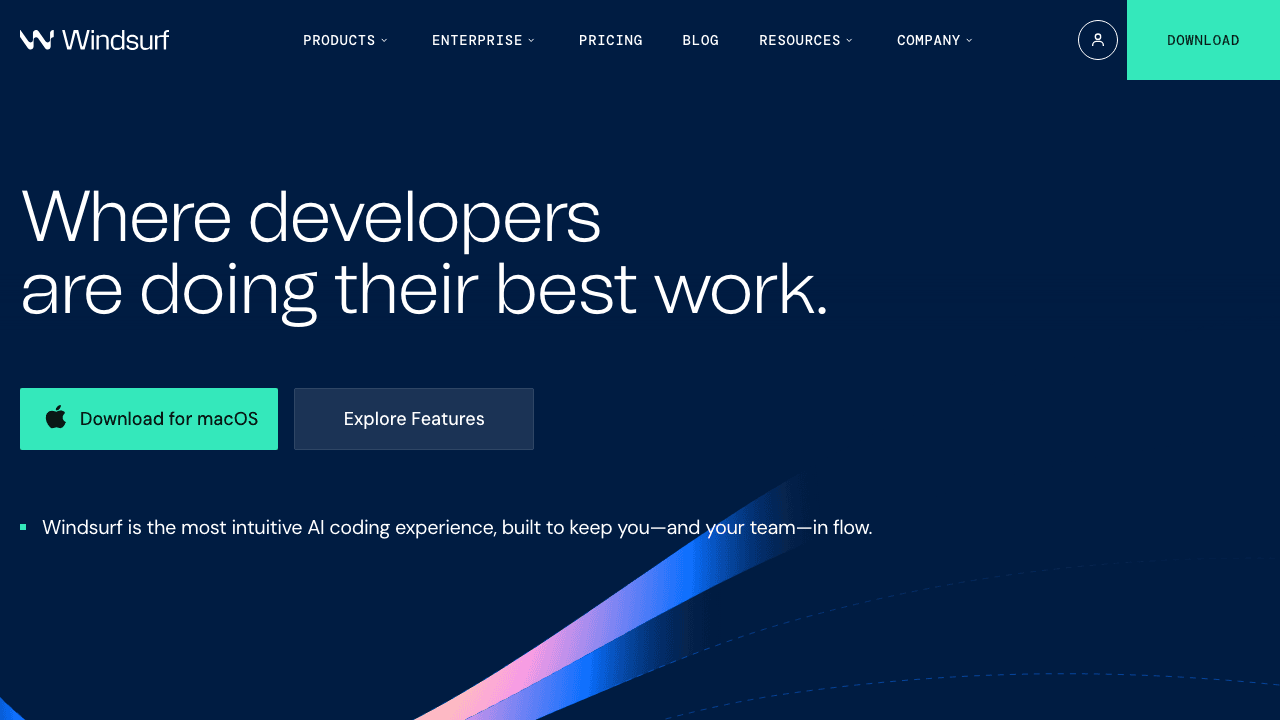
Quick comparison
| Category | Cursor | Windsurf |
|---|---|---|
| Best for | Developers managing larger codebases | Developers who want a smooth, fast AI coding flow |
| Workflow style | Structured, repo-aware iteration | Lightweight, speed-focused iteration |
| Learning curve | Moderate | Usually easier to jump into |
| Team fit | Great when consistency and context matter | Great when speed and simplicity matter |
| Best choice if you... | Regularly refactor real production code | Want to move quickly and keep momentum |
When Cursor is the better choice
Choose Cursor if your work looks like this:
- You regularly touch multiple files in the same task.
- You care about preserving project conventions while editing with AI.
- You want the editor to feel dependable on real app work, not just quick prototypes.
- You spend a lot of time navigating and modifying existing repositories.
Cursor tends to make more sense when your coding sessions are less about one-off prompts and more about ongoing implementation inside a real product.
When Windsurf is the better choice
Choose Windsurf if your work looks like this:
- You care a lot about staying in flow while writing and revising code.
- You want an AI coding editor that feels modern and direct.
- You are testing alternatives to Cursor and want something that feels lighter.
- You want a tool that helps you move quickly without overcomplicating the setup.
Windsurf can be a strong fit for solo builders, rapid shipping, and developers who want less friction between idea and implementation.
Alternatives worth considering
If neither Cursor nor Windsurf feels right, the next tools to evaluate are usually:
- VS Code if you want a flexible editor ecosystem.
- GitHub Copilot if you want AI help without fully changing your editor workflow.
- Zed if you care a lot about speed and a modern editing experience.
Common mistakes
- Switching editors without testing your real workflow. A tool can look great in demos and still feel wrong on your production repo.
- Judging only by autocomplete quality. The bigger difference is often how the tool handles context, edits, and iteration.
- Overvaluing hype. The best AI editor is the one that helps you ship faster with fewer bad changes.
Next steps
- Browse more editor breakdowns in /tools.
- Read additional comparisons in /posts.
- Explore AI coding coverage by topic in /topics/ai-coding-tools.
If you are deciding today, start with Cursor if you want the safer all-around bet, and test Windsurf if your priority is speed, flow, and a lighter-feeling AI coding experience.
Recommended setup upgrade
See top-rated options on Amazon for “portable monitor for laptop”Get the VibeCode playbook
Weekly tactics for shipping with AI.
Subscribe via emailNo spam. Unsubscribe anytime.
Related
- AI coding tools • 2026-03-18Windsurf vs Zed: Which AI Code Editor Is Better for You?
Windsurf and Zed both appeal to developers who care about speed, but they solve different workflow problems. Here’s how to choose.
- AI coding tools • 2026-03-18Windsurf vs VS Code: Which Editor Fits Your Workflow?
Windsurf offers an AI-first editor experience, while VS Code gives you a flexible baseline with a huge extension ecosystem. Here’s how to choose.
- AI coding tools • 2026-03-13The Best AI Code Editor for Beginners in 2026
Discover the best AI code editors for beginners in 2026. Enhance your coding skills with AI tools designed for ease of use.