Best AI Code Editor (2026): What Actually Matters
A practical buying guide for AI-first code editors. Compare workflows, safety, and what features actually speed you up — without breaking your repo.
The “best AI code editor” depends less on brand and more on workflow.
Some tools are great at autocomplete. Others are great at multi-file changes, refactors, and agent-like iteration. That difference is what you should choose on.
If you ship features and refactors weekly, Cursor’s repo-aware plan→patch workflow is hard to beat.
If you want minimal workflow change and great inline completion, Copilot is the safest default.
A quick look at the official product pages helps explain why these tools feel different before you even install them.
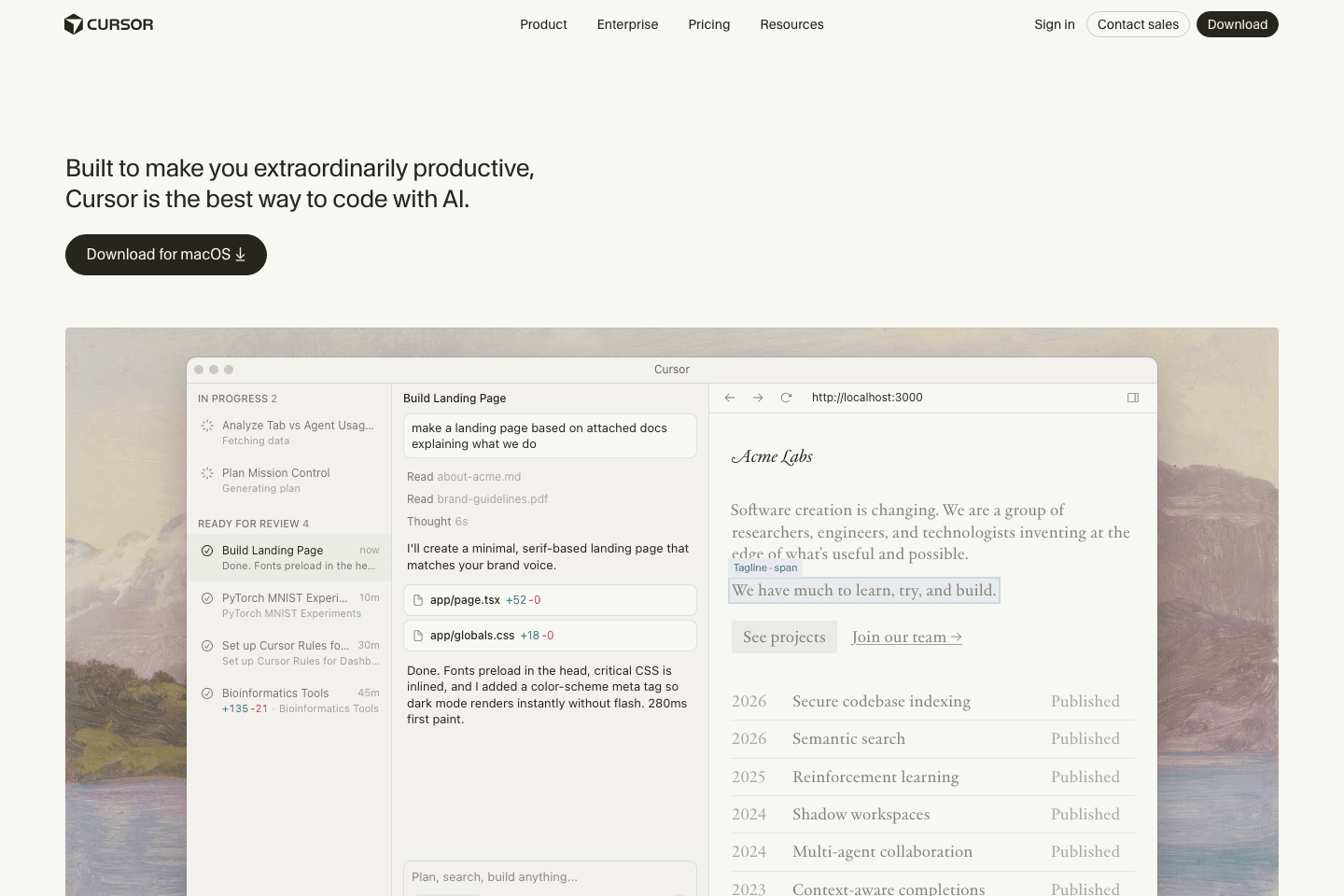
Cursor presents itself as an AI-first editor built around repo context and multi-file changes.
View official site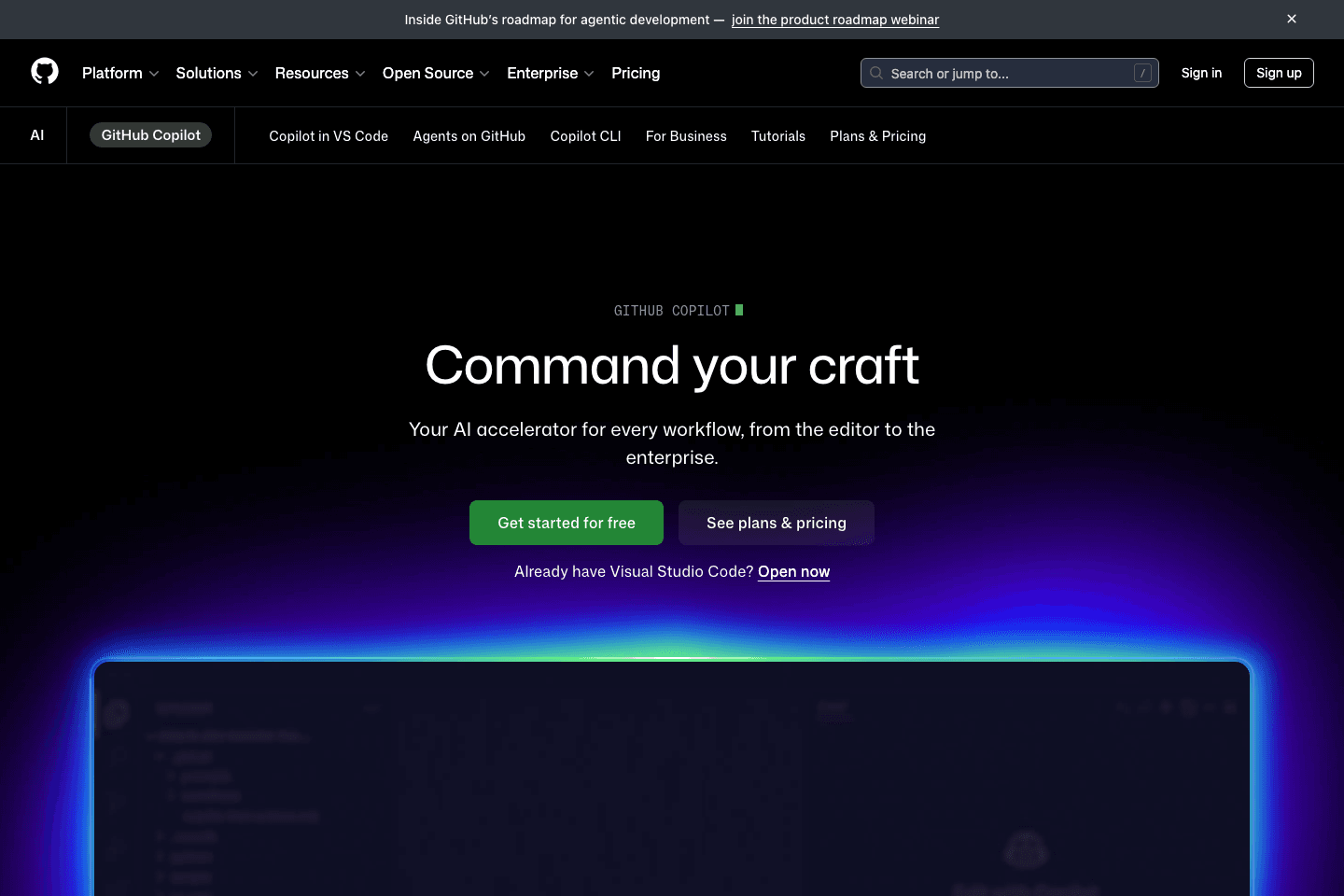
Copilot positions itself as an AI accelerator that fits into the tools and workflows teams already use.
View official site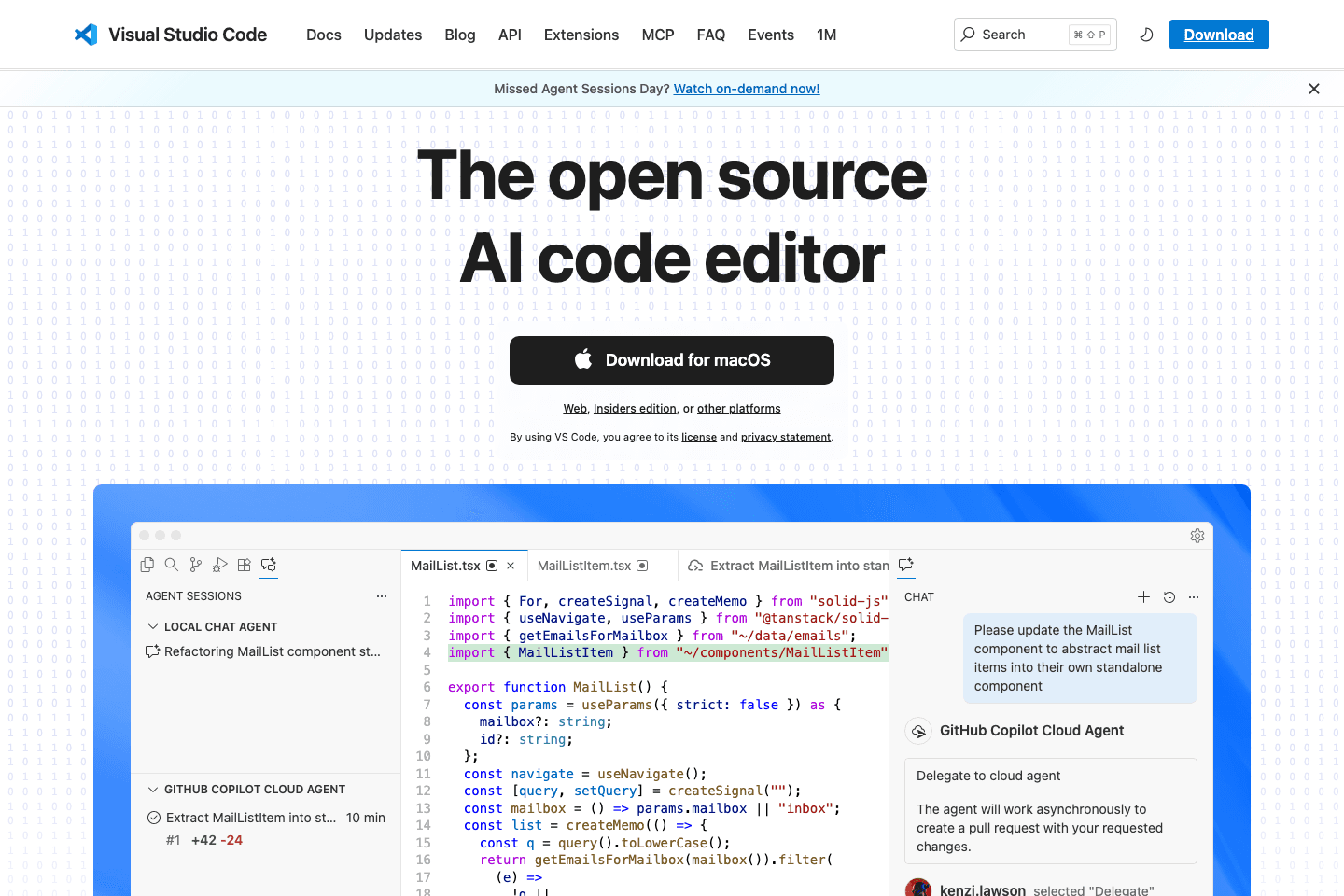
VS Code remains the stable default when you want a broad ecosystem and the freedom to add AI gradually.
View official siteThe 3 workflows AI editors should support
1) Autocomplete-first
Best if you already know what you want to write and mostly want faster typing.
Look for:
- fast inline completion
- good language coverage
- minimal disruption
2) Plan + patch (multi-file)
Best for real features and refactors.
Look for:
- “apply diff” across files
- good repo context controls
- guardrails (don’t touch unrelated files)
3) Debug + test loop
The best editors make it easy to:
- reproduce a bug
- propose fixes
- write tests
- run validators quickly
What to prioritize (ranked)
- Small diffs (the tool encourages incremental changes)
- Easy rollback (good git ergonomics)
- Repo conventions (rules files / project instructions)
- Context control (pick files, avoid secrets)
- Test generation (helps you lock behavior)
Top picks
Best when you want AI to plan and apply changes across files with strong repo context.
Great inline suggestions inside your existing editor when you already know what you want to write.
If you want stability and a huge plugin ecosystem, start here and add AI gradually.
A consistent plan→patch→validate loop beats switching tools every week.
Quick comparison
| Workflow | What to choose | Why |
|---|---|---|
| Autocomplete-first | Copilot | Fast inline completion |
| Plan + patch (multi-file) | Cursor | Better repo context + diffs |
| Debug + test loop | Either | Choose the tool that makes running validators easiest |
Common mistakes
- Choosing based on demo videos instead of workflow
- Letting the AI change “extra” files you didn’t ask for
- Skipping tests because “it looks right”
Next steps
- If you want the underlying workflow, start with /posts/what-is-vibe-coding
- If you’re optimizing your workflow: start with /tools
- If you’re automating content or ops: see /tutorials
Recommended picks
If you want to learn the fundamentals that make AI edits safer, start with a solid software engineering book.
See top-rated options on Amazon for “portable monitor for laptop”Get the VibeCode playbook
Weekly tactics for shipping with AI.
Subscribe via emailNo spam. Unsubscribe anytime.
Related
- AI coding tools • 2026-03-18Windsurf vs Zed: Which AI Code Editor Is Better for You?
Windsurf and Zed both appeal to developers who care about speed, but they solve different workflow problems. Here’s how to choose.
- AI coding tools • 2026-03-18Windsurf vs VS Code: Which Editor Fits Your Workflow?
Windsurf offers an AI-first editor experience, while VS Code gives you a flexible baseline with a huge extension ecosystem. Here’s how to choose.
- AI coding tools • 2026-03-16Cursor vs Windsurf: Which AI Code Editor Fits Your Workflow?
Cursor and Windsurf are two of the most talked-about AI code editors. Here’s how to choose the right one for your workflow.