n8n vs Zapier vs Make: Which Automation Tool Is Best in 2026?
A practical comparison for builders. Choose the right automation tool based on cost, flexibility, reliability, and how you actually ship workflows.
If you’re picking between n8n, Zapier, and Make, don’t start with “features.” Start with the kind of work you’re doing:
- If you need simple app-to-app automations fast: Zapier
- If you want visual workflows with lots of connectors: Make
- If you need control (data shaping, branching, self-hosting): n8n
If you expect complexity (branching, retries, custom code, scaling), n8n is the most flexible long-term choice.
If you want the lowest learning curve and quick app-to-app workflows, Zapier is the fastest start.
The public-facing product pages make the strategic differences clear: n8n leans into control, Zapier leans into breadth and speed, and Make is known for visual scenario building.

n8n leads with AI workflows, flexibility, and long-term control for builders who expect complexity.
View official site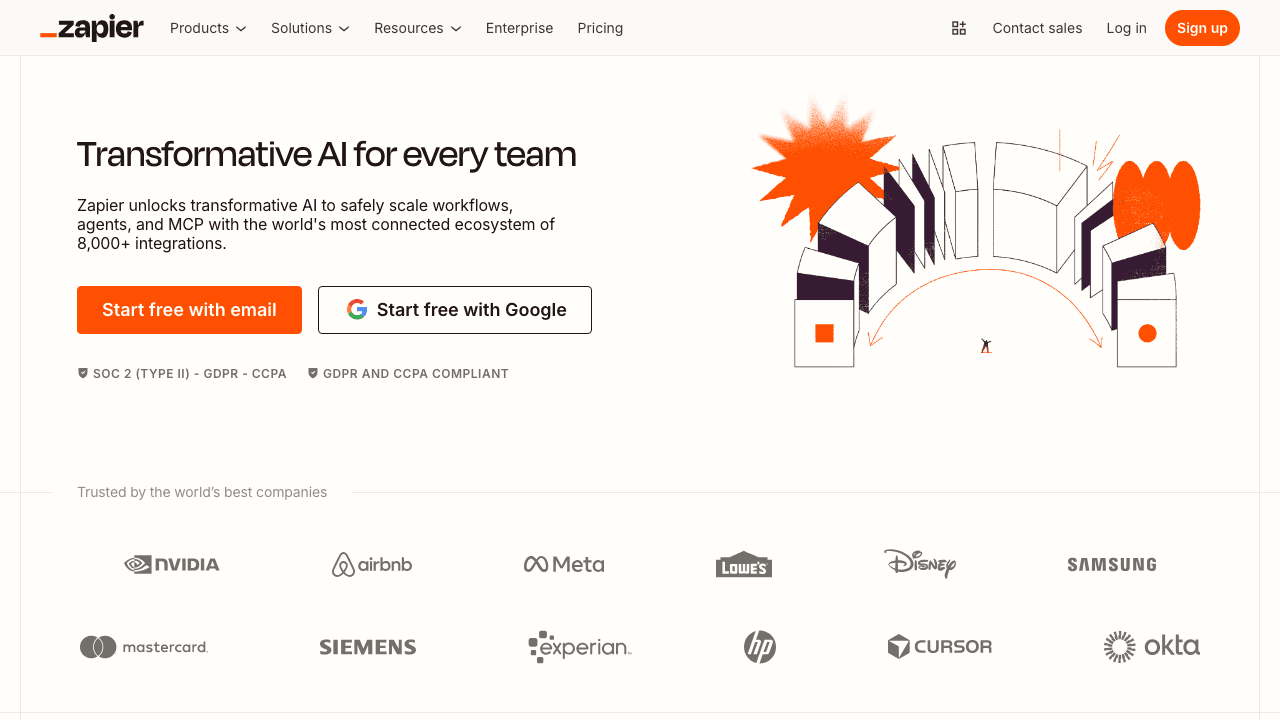
Zapier emphasizes the breadth of its app ecosystem and how quickly teams can launch automations.
View official siteMake’s site blocked automated screenshot capture in our environment, but its biggest differentiator is still the visual scenario builder and routing flexibility.
View official siteThe short answer
Top picks
Lowest learning curve when you need app-to-app automation fast.
Strong visual scenarios and lots of connectors when you want flexibility without code-first tooling.
Wins when you need branching logic, retries, custom code, and cost control at scale.
Quick comparison
| Tool | Best for | Tradeoff |
|---|---|---|
| Zapier | Quick app-to-app flows | Can get expensive at scale |
| Make | Visual scenarios + connectors | More complexity than Zapier |
| n8n | Control + custom code + scaling | Higher learning curve |
Choose Zapier if…
- you want the lowest learning curve
- you mostly trigger → filter → action
- you prefer a managed product and don’t want to think about infrastructure
Choose Make if…
- you like visual scenario building
- you need lots of third-party app modules
- you want more flexibility than Zapier without going fully “developer tool”
Choose n8n if…
- you need branching logic, retries, custom code, or GitHub-based workflows
- you care about cost at scale
- you want the option to self-host later
What matters for making money
If you’re selling automations to clients, your priorities are:
- Reliability (retries, observability)
- Maintainability (clear flow + naming)
- Extensibility (custom code when needed)
- Cost (per-task pricing can get painful)
Common mistakes
- Building one giant workflow instead of modular components
- Not handling rate limits and retries
- Not logging enough context to debug failures
Next steps
- If you are new to AI-assisted building, start with /posts/what-is-vibe-coding
- If you want to automate publishing like this site: browse /tutorials
- If you want to sell automations: start with /posts/how-to-make-money-with-vibe-coding
Recommended picks
Good automations are mostly “clear thinking.” A solid notebook + desk setup helps more than you think.
See top-rated options on Amazon for “standing desk for home office”Get the VibeCode playbook
Weekly tactics for shipping with AI.
Subscribe via emailNo spam. Unsubscribe anytime.
Related
- Automation Tools Comparison • 2026-03-20Zapier vs Make: Which Automation Tool is Right for You?
Explore the differences between Zapier and Make to find the best automation tool for your needs.
- Code Editors Comparison • 2026-03-19VSCode vs Zed: Which Code Editor Reigns Supreme?
Explore the differences between VSCode and Zed, and find out which code editor suits your development needs best.
- Automation Tools Comparison • 2026-03-19n8n vs Power Automate: Which Automation Tool is Right for You?
Explore the differences between n8n and Power Automate to find the best automation solution for your needs.